Clean proxies for traffic arbitrage with agency accounts: why you need them and how to connect

Table of Contents:
Ad accounts get banned not only because of creatives and moderation. A common and underestimated cause is the IP address: logging in from an IP on spam lists, one already burned by other buyers, or through a shared proxy with neighboring accounts. For an agency account with growing limits, this is an expensive loss: the account and the limits will have to be obtained all over again. We break down which proxies to use for running traffic and how to connect them.
What is Proxys.io
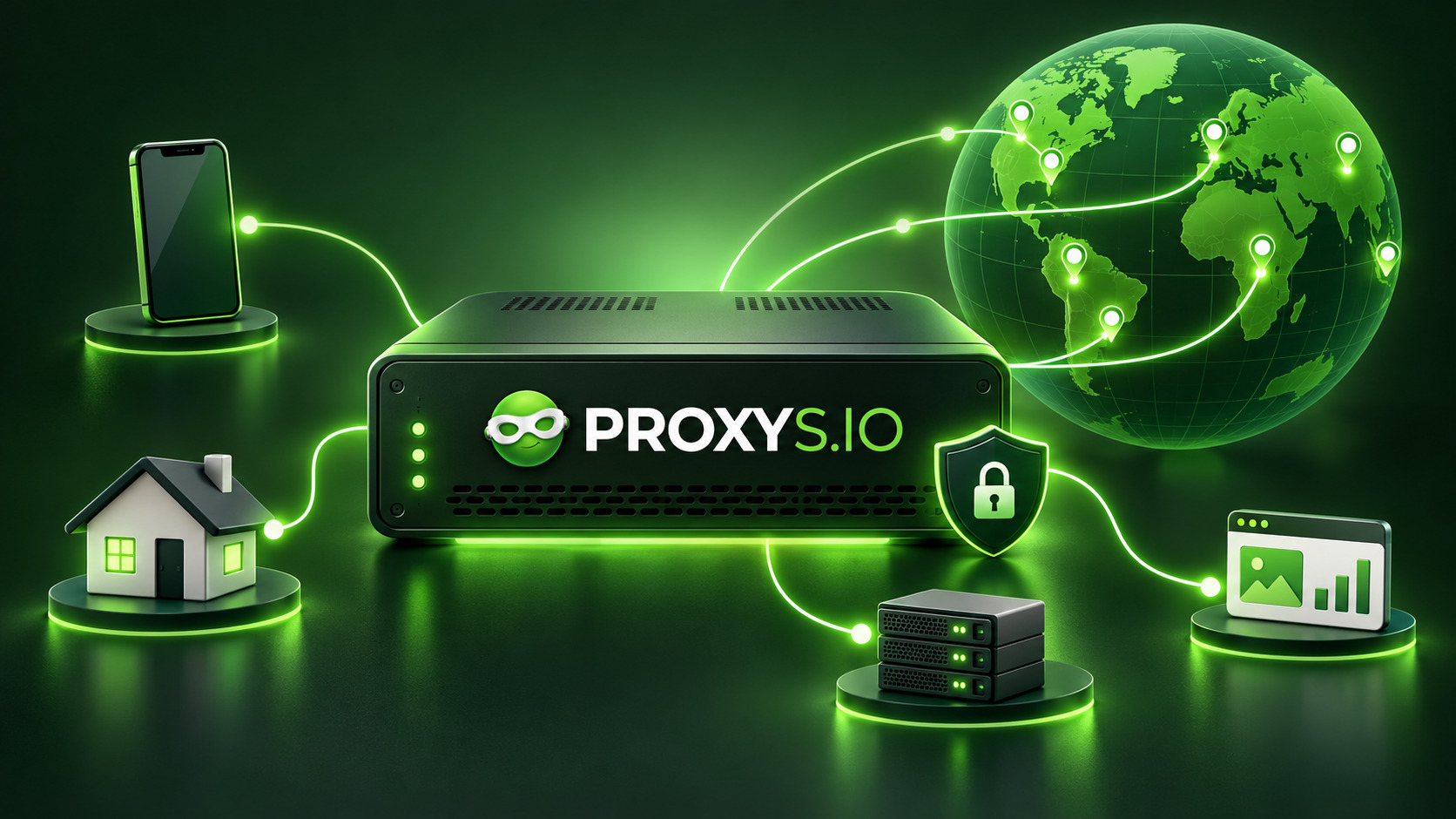
Proxys.io - a proxy rental service, on the market since 2016. All types are purchased in one dashboard, and the connection details arrive there as well.
Available proxy types
The catalog includes all popular types: mobile, residential, and datacenter proxies, IPv4 and IPv6. Any proxy works over HTTP, HTTPS, and SOCKS5 - the protocol is set by the port in your software and is not chosen at purchase. Coverage - 240+ countries on all plans, so the address is chosen to fit the offer’s GEO, not the offer to fit leftover addresses.
Key features
- instant delivery - right after payment, at any time of day;
- residential - pay only for the traffic used, with no monthly rental for each country;
- free trial before purchase;
- 24/7 support - replies in 30 seconds on average.
Choosing a proxy for the task
Mobile and residential proxies are used to log in to ad accounts: in GeoIP databases, their addresses are listed under a mobile carrier or a home ISP. Datacenter IPv4 and IPv6 are detected as hosting - a cheap option for parsing, checkers, and automation, but not for running traffic.
Mobile proxies give maximum trust, and you control the IP change: turn off the timer and change the address via the link only when needed. For residential proxies, rotation is mandatory - the IP changes automatically on a timer from 2 to 60 minutes. For an ad account, set the maximum interval and fix the country and city so that the address changes within a single location.
Using them with ADS KULT
ADS KULT provides agency FB accounts with growing limits, and the cost of an address mistake here is higher than on a regular account. What to follow:
- your own clean proxy for each account: a shared proxy links accounts together, and the problems of one drag the others down with it;
- the proxy country matches the offer’s GEO and the account’s GEO;
- the IP does not jump between countries and cities: the platform sees address changes in the login history;
- in a team, each buyer works from their own proxy, not from a shared one.
Connect the proxy before the first login, not after the account has already requested verification.
Purchase and getting the data
- Open Proxys.io and log in to your account.
- Choose a section: datacenter, mobile, or residential proxies.
- Set the country, quantity, and rental period. For residential - the traffic volume in GB: the country, region, and city are chosen in the dashboard after payment.
- Enter the promo code and pay for the order.
The dashboard will show the address, HTTP(S) and SOCKS5 ports, login and password, and for mobile proxies - also the IP change link.
How to connect a proxy in an antidetect browser
- Create a separate profile for the account and open the proxy settings.
- Choose HTTP or SOCKS5 and enter the address, the port for that protocol, login, and password. Many antidetect browsers accept the whole IP:port:login:password string at once.
- For a mobile proxy, add the IP change link if the antidetect browser has such a field.
- Run the proxy check: the antidetect browser will show the external IP and country. If the country is wrong or there is no connection - fix it before logging in to the account.
- Set the profile’s time zone, language, and geolocation based on the IP: a mismatch between time zone and address is a signal for anti-fraud.
Promo codes
For ADS KULT readers - two promo codes:
- adskult - 10% on datacenter proxies;
- adskult35 - 35% on residential proxies with pay-per-traffic.
Enter the promo code in the order form before payment: it will not apply to an already paid order.
Summary
The whole scheme fits in one sentence: your own mobile or residential proxy in the right geo for each account and each buyer; with mobile proxies, you change the IP, not the timer; with residential proxies, the timer is set to maximum. Setting this up once is easier than waiting for a new account later and growing limits from scratch. And on residential proxies there is also a 35% discount with the promo code adskult35.
Leave a Comment
Comments
No comments yet. Be the first to comment!
You may also like

Google is converting Gemini into a TikTok-like format
13-10-2025
Rating: 0 | Views: 2448 | Reading time: 3 min
Read →
Why Instagram Boomers Are the Best Thing in Social Media
26-05-2025
Rating: 0 | Views: 2525 | Reading time: 4 min
Read →
The Revolutionary Leap of YouTube Shorts: Analyzing the "Clear Screen" Innovation
13-05-2026
Rating: 0 | Views: 851 | Reading time: 4 min
Read →
How to buy a website for development on Madbid?
11-08-2026
Rating: 0 | Views: 510 | Reading time: 14 min
Read →
Investing Forward: Zuckerberg Admits Meta May Not Use All Its Funds on AI in the Near Future
05-11-2025
Rating: 0 | Views: 1743 | Reading time: 3 min
Read →