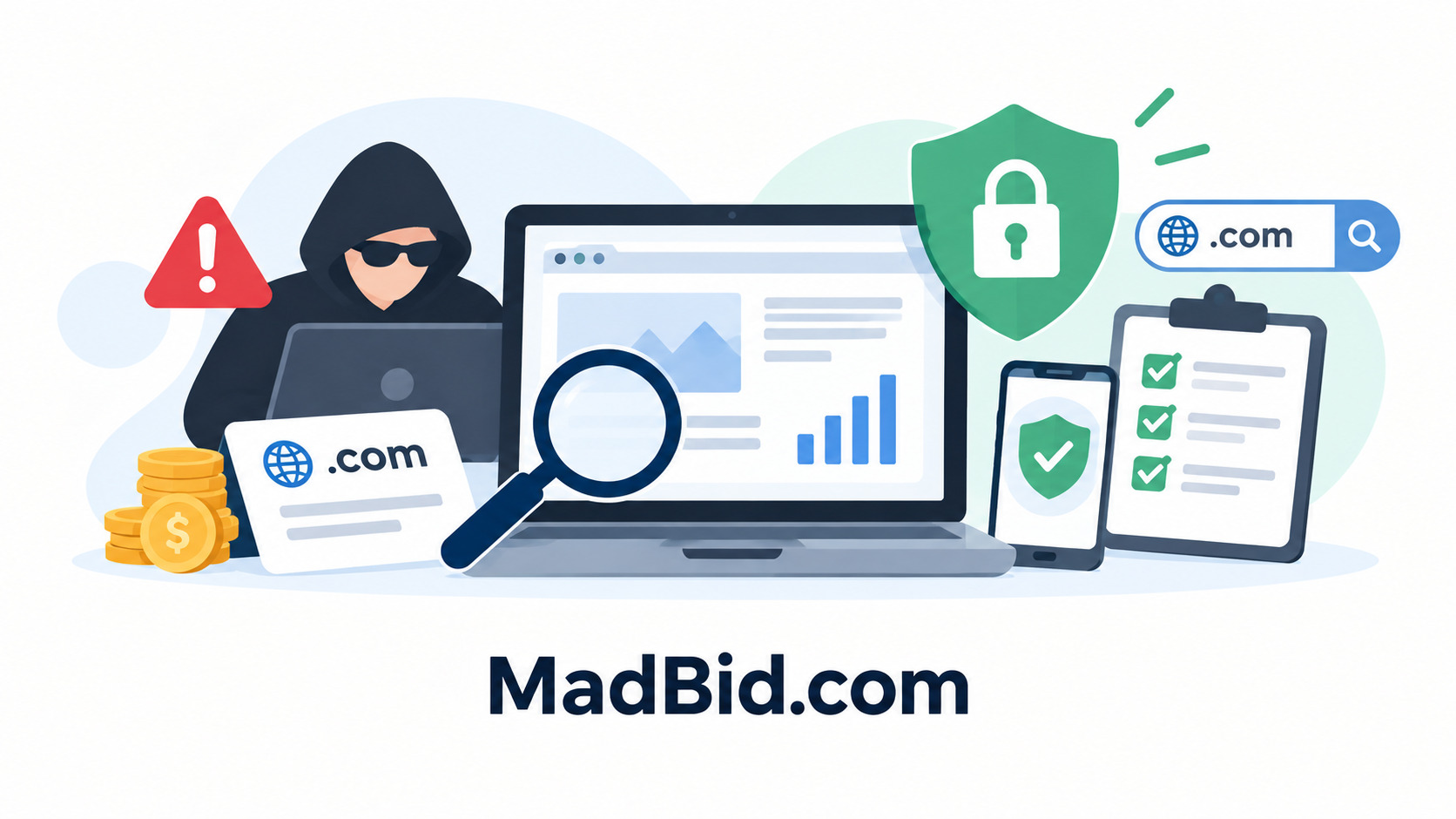
Website or Domain Purchase Scams — How to Avoid Being Cheated

Table of Contents:
- Tricks Used in Website and Domain Purchase Scams: How Not to Become a Victim of Fraud
- Main Fraud Schemes When Buying a Website or Domain
- How Fraudsters Fake Website Traffic and Revenue
- What Domain Problems a Seller May Hide
- How to Tell a Seller May Be a Fraudster
- How to Check a Website Before Buying
- How to Check a Domain Before Buying
- How to Make Sure the Seller Really Owns the Website or Domain
- Why You Should Not Trust Screenshots Alone
- How to Pay Safely When Buying a Website or Domain
- What to Check Right Before Payment
- What to Do If You Discover Fraud After the Purchase
- How Madbid Helps Reduce Risks When Buying
Tricks Used in Website and Domain Purchase Scams: How Not to Become a Victim of Fraud
The digital asset market keeps growing, and so does fraud when buying a website or a domain. A buyer cannot «touch» the asset and has to rely on the seller, screenshots and the figures in the listing. Transaction security starts with verification: check the seller, the website and the domain before you pay. Fraudsters rely on trust, so every claim made by the seller must be confirmed independently. Below we explain how to buy a website safely and how to buy a domain safely.
Main Fraud Schemes When Buying a Website or Domain
- Selling someone else's asset: a scammer passes off another person's website or domain as their own, takes a prepayment and disappears.
- Fake statistics: traffic and rankings are drawn in an editor or shown in a distorted way.
- Hidden website problems: search engine filters, viruses, copyright violations, dependence on a single traffic source.
- Inflated revenue: reports include one-off payments and hide real expenses.
- Taking payment without handing over the asset: after a direct transfer the seller stops responding.
How Fraudsters Fake Website Traffic and Revenue
Traffic is inflated with bots and cheap ads: such visitors do not read content, do not return and do not buy. Signs of inflation: sudden spikes without a reason, identical time on site, traffic from random countries. Analytics screenshots can be faked in a few minutes. A dishonest seller shows only the best periods and keeps quiet about a decline over 12–24 months. Real costs for content, advertising, hosting and contractors are also hidden, so the actual net profit is lower than claimed.
What Domain Problems a Seller May Hide
A domain's value depends not only on its name but also on its history. A seller may hide a bad usage history, spam and blacklist entries, search engine sanctions, former questionable topics (gambling, adult content, phishing), junk backlinks and the risk of a dispute with a trademark owner. All of this lowers the value of the asset, damages the new owner's reputation and makes using the domain risky. That is why a domain check is mandatory, even if the price looks attractive.
How to Tell a Seller May Be a Fraudster
- The price is far below the market.
- Rush and pressure: «there is another buyer», «today only».
- Refusal to provide access to analytics, even in view-only mode.
- An offer to close the deal outside the platform, without a guarantor.
- A demand for full prepayment and refusal to use escrow.
- Weak reputation: a new profile, no reviews, evasive answers.
How to Check a Website Before Buying
If you wonder how to check a website before buying, act step by step. Request access to analytics and compare traffic over a long period. Study visit sources: organic search, direct visits, social networks, paid ads. Compare search rankings with data from independent services. Verify revenue and expenses using statements from payment systems and ad accounts. Assess the backlink profile and the site's history in a web archive, and make sure there are no sanctions or filters. Revenue must match the number of orders, conversion rate and average order value.
How to Check a Domain Before Buying
To understand how to check a domain before buying, study its age and continuity of registration, usage history, registrar and list of previous owners. Make sure there are no blocks, disputes or transfer restrictions. Clarify the safe transfer procedure in advance: authorization code, contact change and timing. Frequent changes of owner in a short time are a reason for caution.
How to Make Sure the Seller Really Owns the Website or Domain
Demand proof of ownership, not assurances. Reliable methods: showing the registrar account in a video call, adding a temporary TXT record to DNS, access to the hosting panel, logging in to the CMS and performing an action you request, or placing a special file on the website. An owner who is ready for such a check is usually honest. A seller who dodges answers or demands payment upfront is most likely trying to deceive you.
Why You Should Not Trust Screenshots Alone
Images of analytics and financial reports are easy to fake, and an honest seller may accidentally show an incomplete picture. So request temporary access to the services or an independent data check and compare several sources: analytics, server logs and payment systems. Refusal of verification is a warning sign. Every figure in a report should be backed by primary data.
How to Pay Safely When Buying a Website or Domain
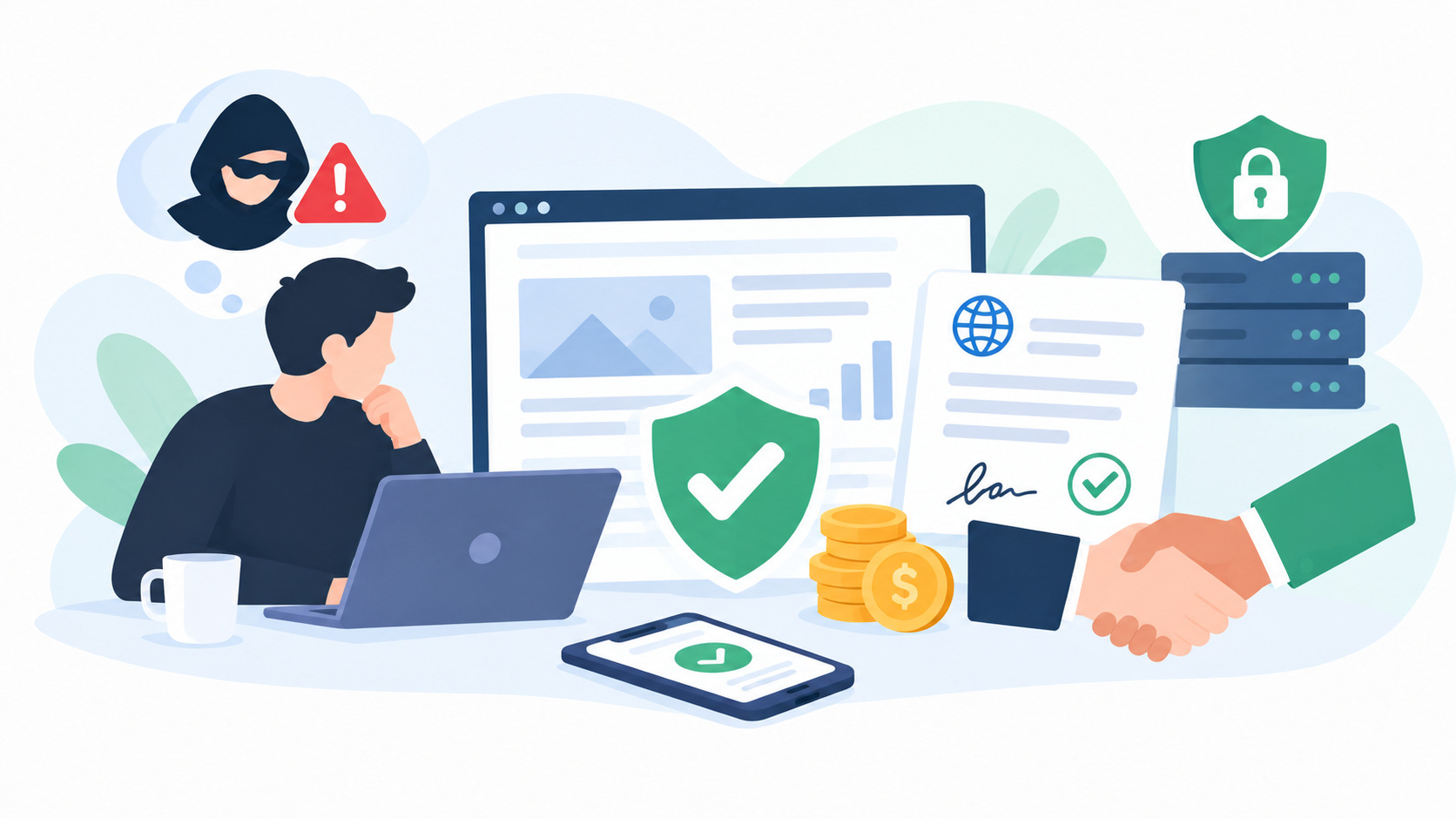
The most reliable payment method is a secure deal with a guarantor and an escrow mechanism. The buyer deposits the money with the guarantor, the seller hands over the asset, the buyer checks it, and only after confirmation does the guarantor transfer the payment to the seller. This scheme protects both sides: the buyer does not lose money without getting the asset, and the seller is sure the payment has been made. Avoid direct transfers to cards and wallets, even if you are offered to save on the guarantor's fee.
What to Check Right Before Payment
- The owner is confirmed.
- Analytics are verified independently.
- The domain matches the listing.
- The history has been studied.
- Transfer terms are documented.
- The payment method is protected.
What to Do If You Discover Fraud After the Purchase
Save the correspondence, the listing and the payment confirmations. Contact the platform's support and the payment service or bank to stop or dispute the payment: the sooner, the better the chances. Change passwords and record the state of the asset. In case of major damage, file a report with law enforcement.
How Madbid Helps Reduce Risks When Buying
On Madbid, listing information is presented in a structured way, and data about the website or domain helps you perform an initial analysis and prepare questions for the seller. If a secure deal or other payment protection tools are available for a specific listing, use them instead of direct transfers. Check the current terms in the platform's rules.
Summary: how not to become a victim of fraudsters when buying a website? Check the seller, confirm ownership, analyze traffic and revenue, do not give in to rush, and pay only through a guarantor. Thorough verification and protected payment are the best defense against deception and scams.
Leave a Comment
Comments
No comments yet. Be the first to comment!
You may also like

Users are losing interest in social platforms
08-10-2025
Rating: 0 | Views: 2284 | Reading time: 3 min
Read →
TOP-5 Marketplaces to Safely Purchase a TikTok Account
10-09-2026
Rating: 0 | Views: 481 | Reading time: 6 min
Read →
Chinese networks are using Telegram for illegal operations
26-12-2025
Rating: 0 | Views: 1854 | Reading time: 4 min
Read →
YouTube will improve video quality on TVs using AI
23-02-2026
Rating: 0 | Views: 1896 | Reading time: 3 min
Read →
Trump signed a key agreement transferring TikTok to US control
26-09-2025
Rating: 0 | Views: 2299 | Reading time: 3 min
Read →